
Warehouse Automation
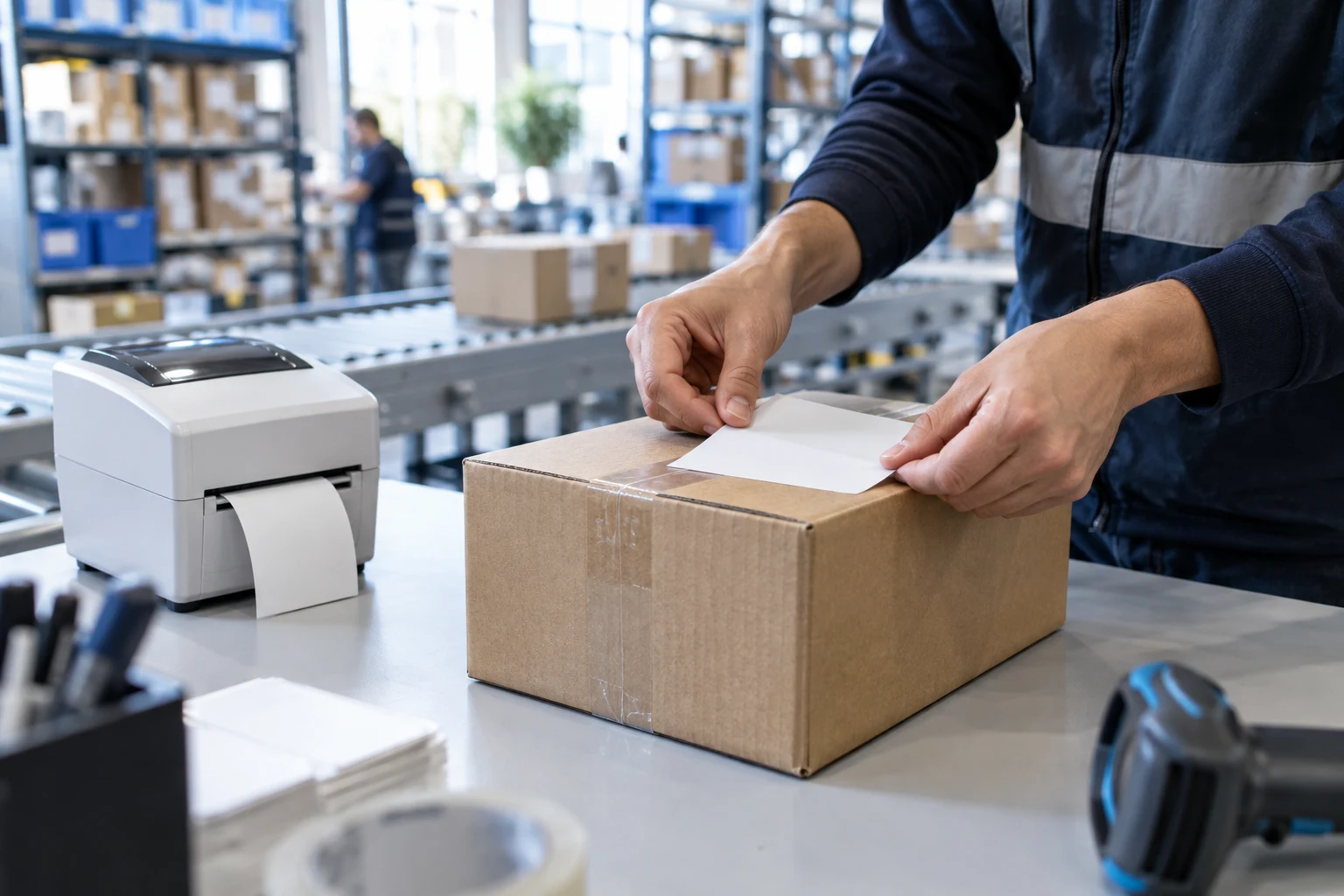
Build a seamless scan-and-ship workflow for your warehouse. Scan a barcode, create the shipment, and print the label directly to the station's thermal printer - all in one automated flow.
The Challenge
Warehouse operators deal with slow label generation, printer compatibility issues, format mismatches between carriers, and manual data entry that introduces errors and slows down throughput.
The Uniship Solution
Barcode scan triggers shipment creation and label printing in a single API flow. Labels are automatically formatted for your thermal printers and sent to the right station. Zero manual steps.
What you gain
Zero Manual Entry
Scan barcode → shipment + label created automatically. No typing.
Station Printing
Route labels to specific printers at specific packing stations.
Multi-Format Support
ZPL for thermal, PDF for desktop. Same API, right format every time.
Throughput Tracking
Monitor print jobs, spot failures, and track station performance.
Integration example
A real-world implementation using the Uniship SDK.
// Scan barcode → print label workflow
const shipment = await client.shipments.create({
  carrier: 'inpost',
  sender: warehouse,
  recipient: order.address,
  parcels: [{ weight: 1.2 }]
})

// Send to thermal printer at station 3
await client.printJobs.create({
  shipment_id: shipment.id,
  format: 'zpl',
  printer: {
    type: 'thermal',
    station: 'pack-station-3'
  }
})
Let’s connect your shipping.
Tell us what you want to build. We’ll help you choose the next step.