
Smart Label Printing for Your Warehouse
Connect label generation to your packing station. Send shipping labels to the printing workflow your team uses.
 UNI 4820 1936 001Warszawa → Berlin
PDF / ZPL
Labels ready to print
Ready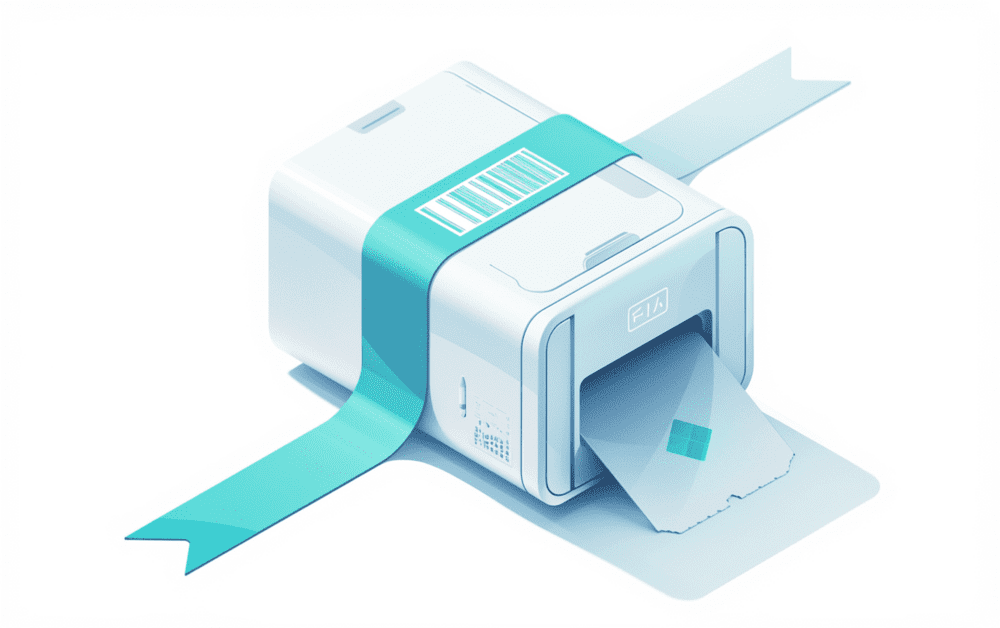
Thermal Printer Support
Native support for ZPL and EPL formats. Connect directly to Zebra, Brother, and other thermal printers.

PDF Label Generation
Generate high-quality PDF labels with customizable dimensions and carrier-specific formatting.
Batch Printing Queue
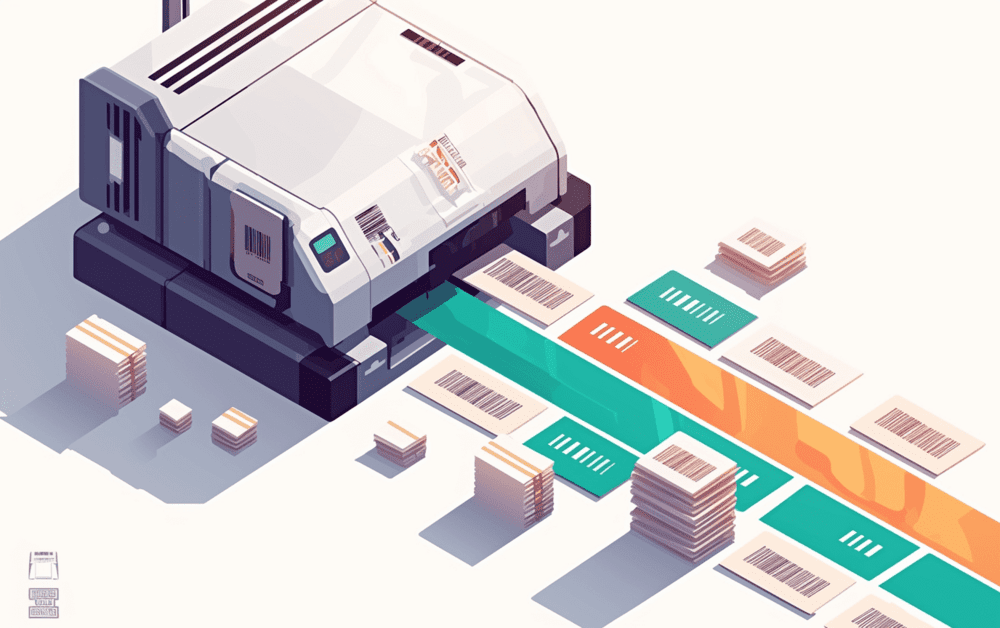
Queue up hundreds of labels and print them in sequence. Perfect for high-volume fulfillment.

Reprint & Void Labels
Easily reprint lost labels or void unused ones. Full label lifecycle management.

Print Job Tracking
Monitor the status of every print job - queued, printing, completed, or failed.

Format Control
Choose output format, DPI, label size, and rotation. Full control over print output.
See It in Action
Submit a print job and get a label in your preferred format. ZPL for thermal, PDF for desktop.
POST /v1/print-jobs

{
  "shipment_id": "shp_9f8a7b6c5d4e",
  "format": "zpl",
  "printer": {
    "type": "thermal",
    "dpi": 203,
    "width": "4x6"
  },
  "copies": 1
}{
"id": "prn_3a2b1c0d9e8f",
"status": "queued",
"format": "zpl",
"shipment_id": "shp_9f8a7b6c5d4e",
"download_url": "https://api.uniship.io/v1/print-jobs/...",
"created_at": "2026-02-24T10:00:00Z"
}See how easy it is to integrate into your workflow.
Create a Print Job
Send the shipment ID and your printer preferences - format (PDF, ZPL, EPL), DPI, label size, and number of copies.
Label is Generated
Uniship renders the label in the exact format your printer needs. Carrier-specific layouts, barcodes, and routing codes are handled automatically.
Download or Print Directly
Get a download URL for the rendered label, or push it directly to a connected thermal printer via our print agent.
Printing That Scales With You
From a single label to thousands per hour.
Warehouse Fulfillment
Print labels directly to station printers as orders are picked. Queue management ensures labels print in the right order at the right printer.
Multi-Carrier Label Batches
Generate labels for DHL, InPost, and DPD in a single batch. Each label is formatted correctly for its carrier automatically.
Returns Label Generation
Include a pre-printed return label in every outgoing package, or generate one on-demand when customers request a return.
Desktop Printing
Print PDF labels on standard A4 printers for small businesses. Multiple labels per page with automatic layout optimization.
Supported Carriers







Let’s connect your shipping.
Tell us what you want to build. We’ll help you choose the next step.