
Five APIs. One shipping workflow.
From creating shipments to tracking deliveries, from printing labels to finding pickup points - every tool you need to build world-class shipping.


One API to ship with every carrier
Create shipments and shipping labels for multiple carriers through a consistent API. Connect order processing to your delivery workflow.

Track every parcel, everywhere
Bring carrier statuses into one integration. Follow deliveries and use tracking events in your own systems.
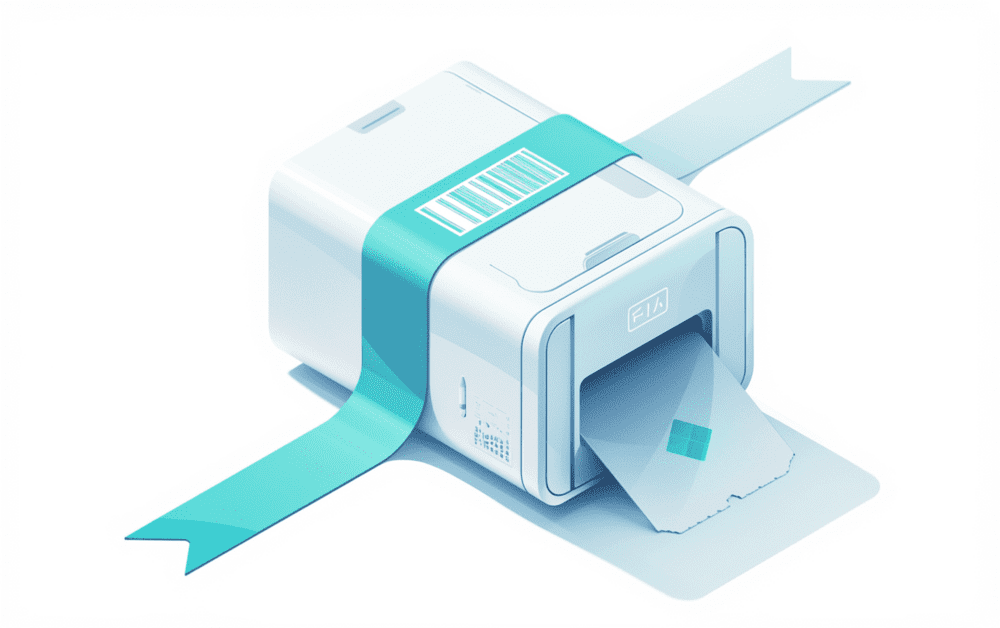
Labels to printer in milliseconds
Connect label generation to your packing station. Send shipping labels to the printing workflow your team uses.
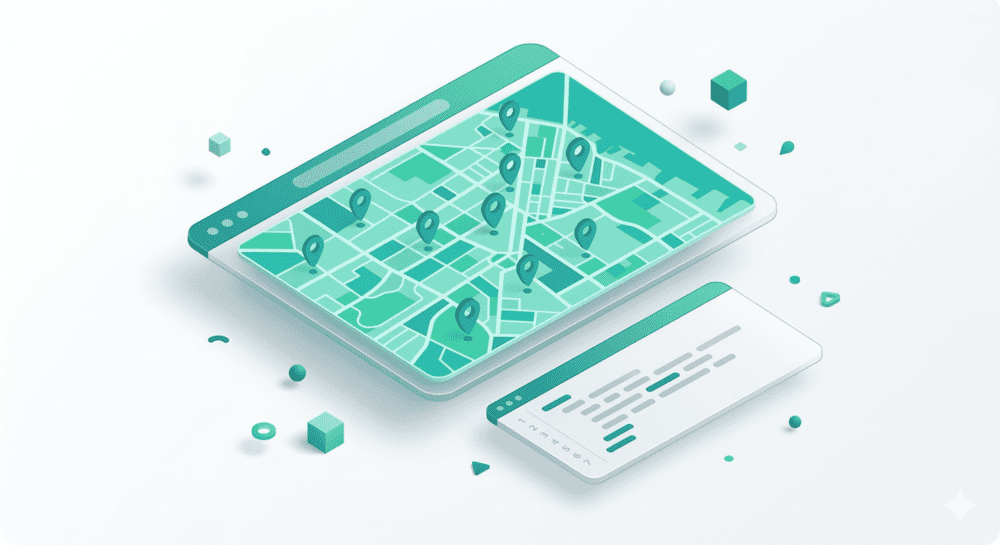
Find the nearest pickup point
Let customers choose a pickup point or parcel locker on a map connected to your delivery flow.
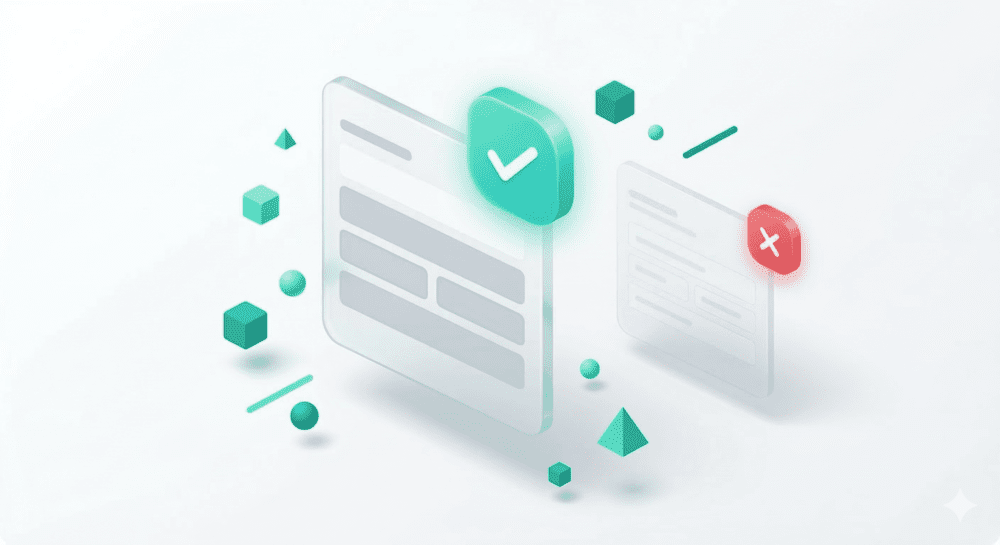
Never ship to a wrong address
Validate and structure delivery addresses before creating a shipment. Keep address data consistent across your systems.
How They Work Together
Each API is powerful alone. Together, they cover the entire shipping lifecycle from address validation to delivery tracking.
Validate
Address API
Create
Shipment API
Printing API
Locate
PUDO Map
Track
Tracking API
All APIs, One SDK
Access every product through a single SDK. Consistent patterns, shared authentication, unified webhooks across all five APIs.
import Uniship from '@uniship/sdk'

const client = new Uniship('sk_live_...')

// 1. Validate the delivery address
const addr = await client.addresses.validate({
  street: 'Marszalkowska 1',
  city: 'Warsaw',
  country: 'PL'
})

// 2. Create a shipment with the best rate
const shipment = await client.shipments.create({
  carrier: 'auto',
  recipient: addr.normalized,
  parcels: [{ weight: 2.5 }]
})

// 3. Generate & print the label
const label = await client.labels.print({
  shipment_id: shipment.id,
  format: 'pdf'
})

// 4. Track the delivery
const tracking = await client.tracking.get(shipment.tracking_number)
Let’s connect your shipping.
Tell us what you want to build. We’ll help you choose the next step.